
A Card per Agent Task
Issue a virtual card through the API each time an agent starts a task. One card, one job, one budget, and a limit that matches what the task is allowed to cost. Block it when the task ends.
Your agent calls the Elibrium REST API, receives a virtual Visa card for one task, and spends within the limit you set. Every transaction shows up in real time, and your team decides when a card is frozen or reissued.

Built for high-volume spend
Elibrium platform data, September 2026.
Issue a virtual card through the API each time an agent starts a task. One card, one job, one budget, and a limit that matches what the task is allowed to cost. Block it when the task ends.
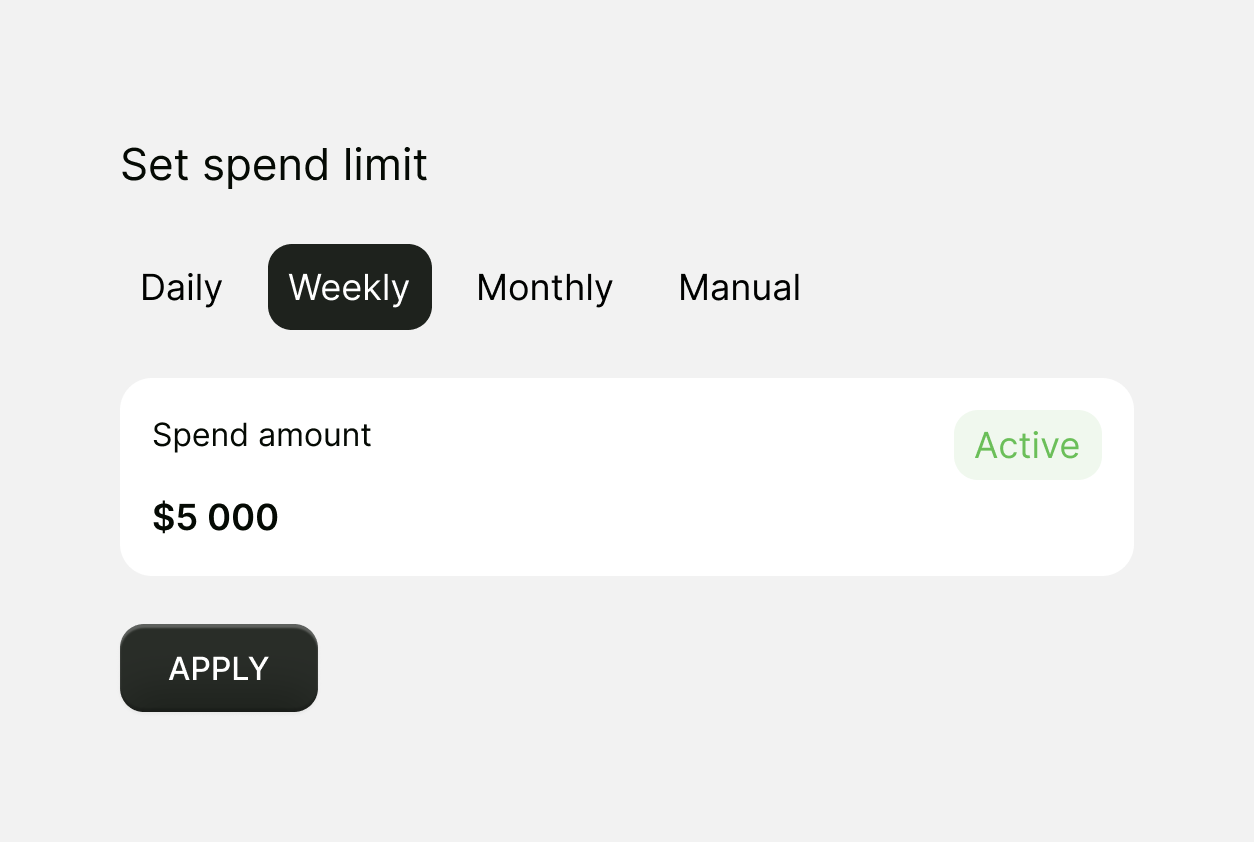
Set a spending limit, an expiry date and allowed merchant categories on every card before the agent touches it. Payments outside the limit or allowed categories are declined, whatever the agent tries.
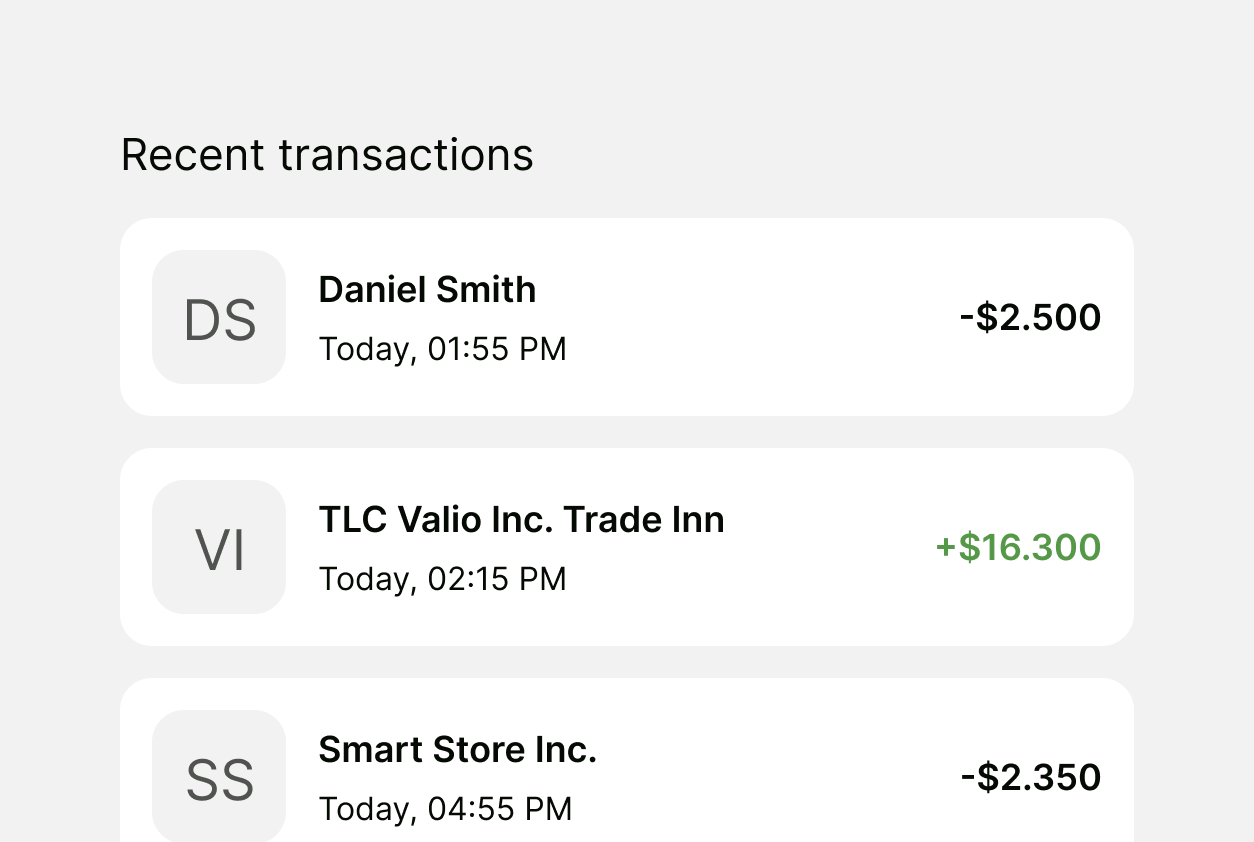
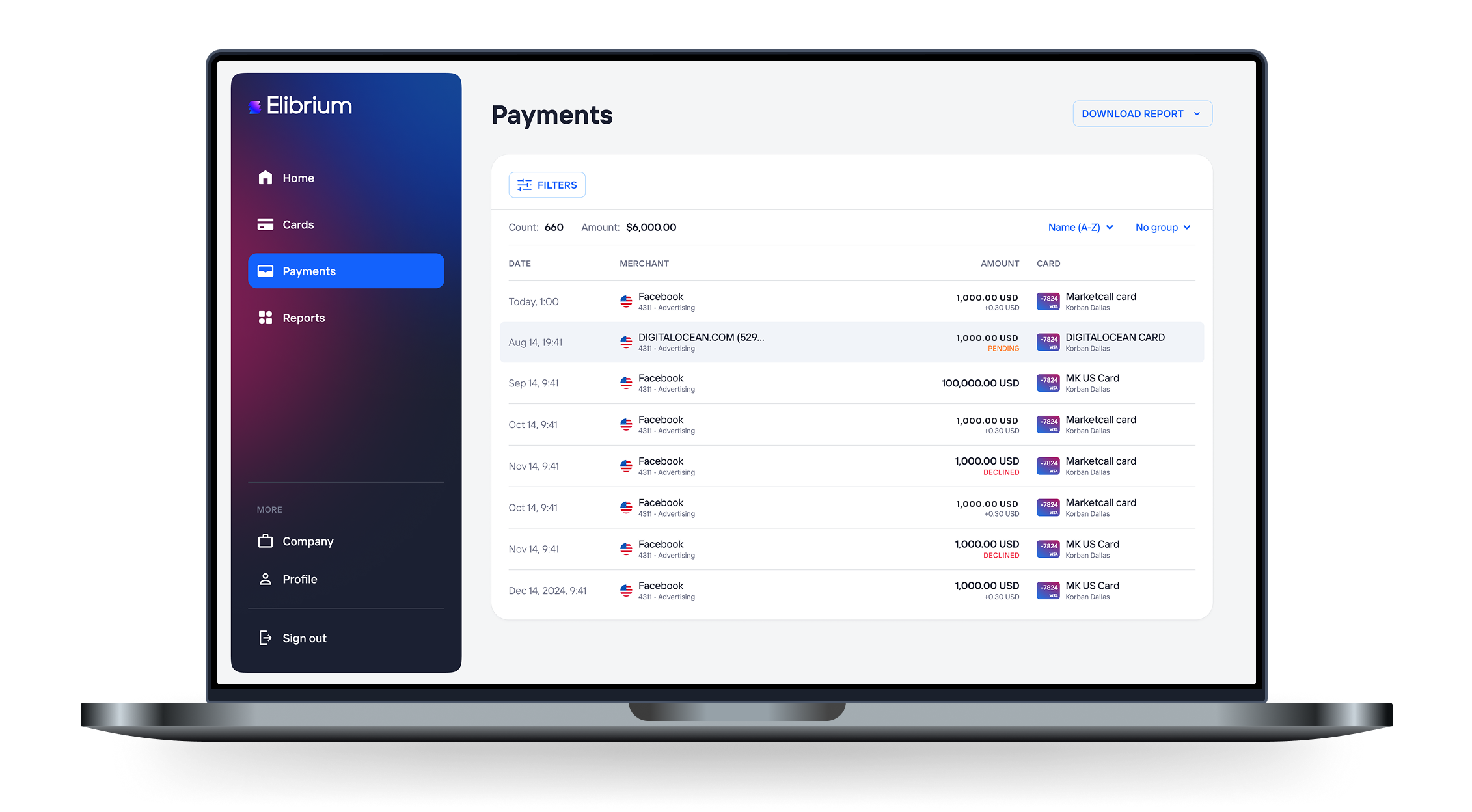
See every agent payment as it happens, by card and by task. Freeze or block a card in seconds from the dashboard or the API, and keep the final decision on spend with your team.
Issue virtual cards for AI agents through the Elibrium API, set a limit on each one, and watch every payment in real time from one dashboard.
The card layer for teams building AI agents: card issuing in seconds via API, per-card controls and live monitoring, so an agent pays for what it needs inside the rules you set.

Call the REST API to create a virtual card the moment an agent needs to pay. No manual steps, no shared company card pasted into a prompt.

Each card carries its own limit and expiry, so a task's spend stays within the budget you assigned.

Every payment is visible in real time, by card and by task, so you can catch a runaway loop or a wrong merchant before it costs you.

Add your own approval step before a card is issued, keep limits tight, and freeze any card in seconds when a task looks wrong. Cards are issued to your business. You are responsible for all transactions initiated by your agents.

Call the REST API to create a virtual card the moment an agent needs to pay. No manual steps, no shared company card pasted into a prompt.
Each card carries its own limit and expiry, so a task's spend stays within the budget you assigned.
Every payment is visible in real time, by card and by task, so you can catch a runaway loop or a wrong merchant before it costs you.
Add your own approval step before a card is issued, keep limits tight, and freeze any card in seconds when a task looks wrong. Cards are issued to your business. You are responsible for all transactions initiated by your agents.
REST API for card issuing and payments, per-card controls and real-time monitoring, for US-registered businesses building or running AI agents.
Customer results
Reconciliation: from a week to minutes. 3,600+ cards, $3.3M+ settled.
"Reimbursing a distributed team used to mean receipts, spreadsheets and a full week of reconciliation. Now everyone gets a card with the right limit, and reconciliation takes minutes."
A separate virtual card with its own limit for OpenAI, Anthropic, Google and every GPU cloud, so AI bills stay within the limits you set.

Programmatic virtual card issuing through a REST API for platforms, marketplaces and fintechs running US operations.
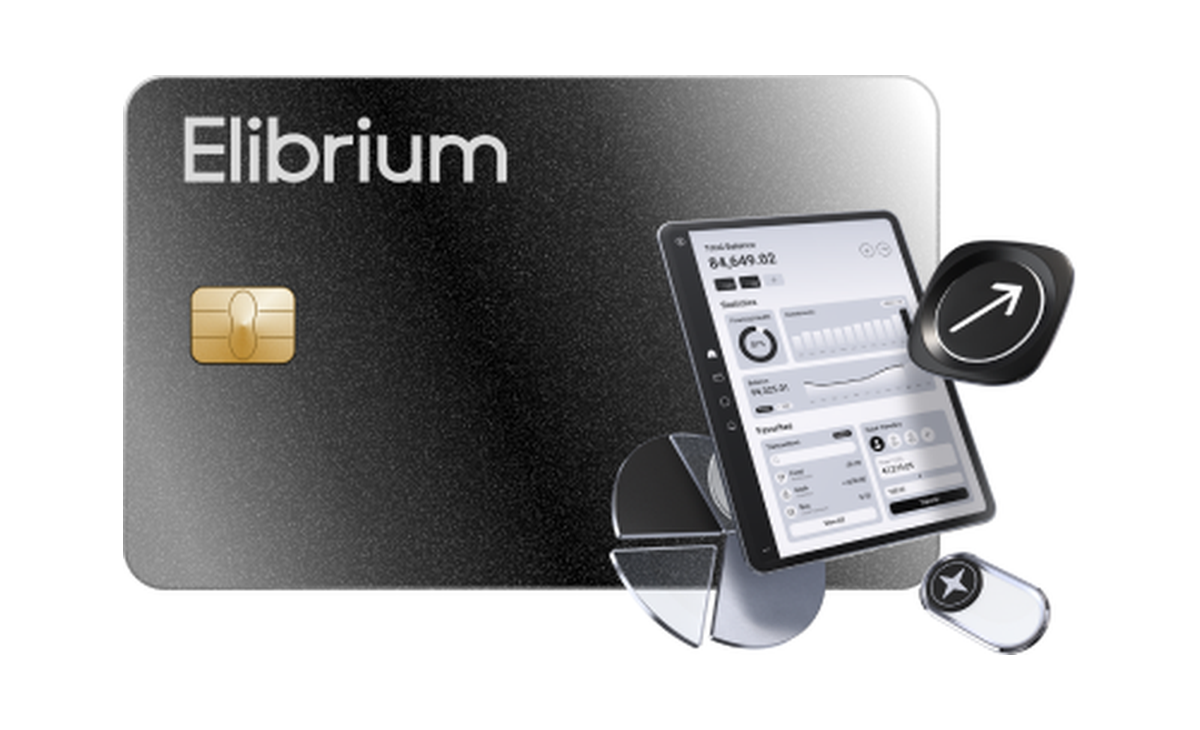
A virtual card for every SaaS subscription and cloud bill, with per-card limits, real-time visibility and cashback.
Mobile app
Check balances, adjust limits and freeze cards from your phone.

API
Your agent calls the API when a task needs to pay. The card carries the limit and expiry you set for that task, and nothing else.
POST /v1/cards
Authorization: Bearer <api_key>
Content-Type: application/json

{
  "name": "agent-task-4821",
  "limit": 50,
  "currency": "USD"
}See which agent spent what, on which card, and when. Adjust limits, freeze cards and review transactions without leaving the platform.
Still have questions?
Agentic payments are payments an AI agent initiates on behalf of a business as part of a task, for example paying for an API call, a dataset or a booking. With Elibrium, the agent gets its own virtual Visa card through the API, and the card's limit, expiry and merchant rules decide what it can and cannot pay for.
You do not hand an agent your company card. Your code calls the Elibrium REST API to issue a virtual card for a specific task, with a spending limit and expiry set at creation. The agent uses that card's details at checkout, your team sees the transaction in real time, and when the task ends you freeze or block the card.
Yes. Every card has its own limit, expiry date and merchant category controls, set when the card is created from the dashboard or the API. If an agent tries to spend beyond the limit or at a merchant outside the allowed categories, the payment is declined. You can raise, lower or freeze the card at any time.
Elibrium provides the controls, and your team defines the approval step. A common setup: the agent requests a card, a person approves the task and its budget in your own workflow, and only then does your code issue the card with that limit. Real-time monitoring and a freeze in seconds cover anything unexpected during the task.
100 cards are included on the Free plan. Beyond that, extra cards cost $2 to issue plus $2 per month per active card. Domestic payments carry no platform fee, and international transactions cost 1% + $0.30. Cashback of up to 1.5% applies to card spend, see Rewards Terms.